Start up process
Description
This section provides login guidance and the dashboard behavior for Family Concept users in C-Portal.
Login and account access
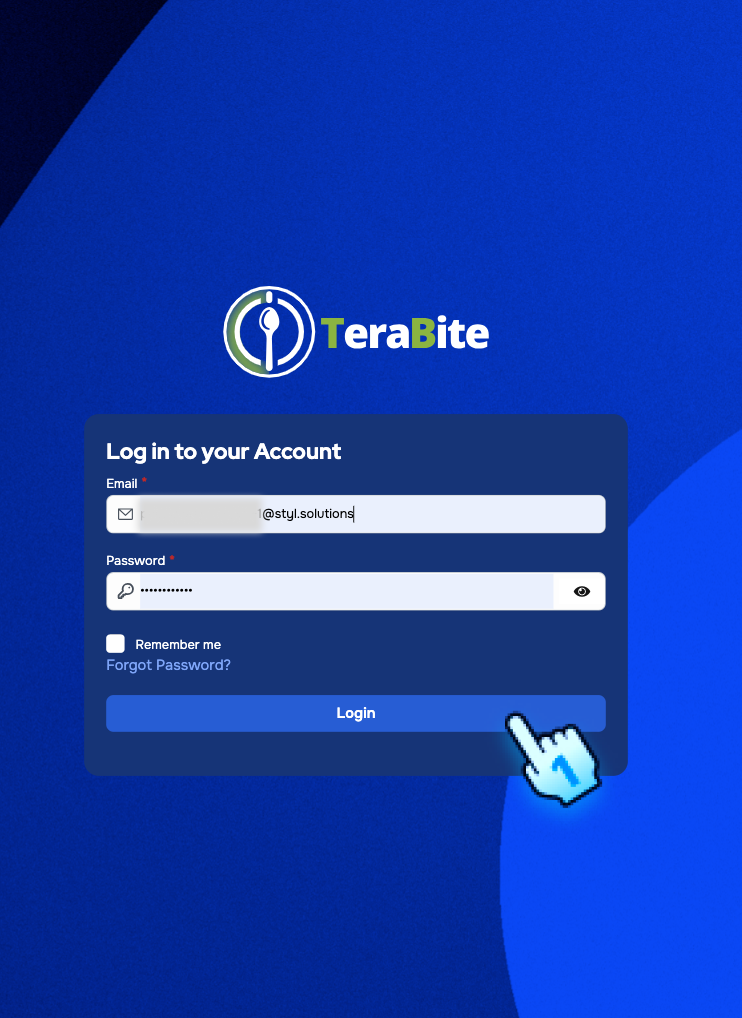
- Access Login Page
- Open the C-Portal login page.
- Enter registered email and password.
- Complete verification
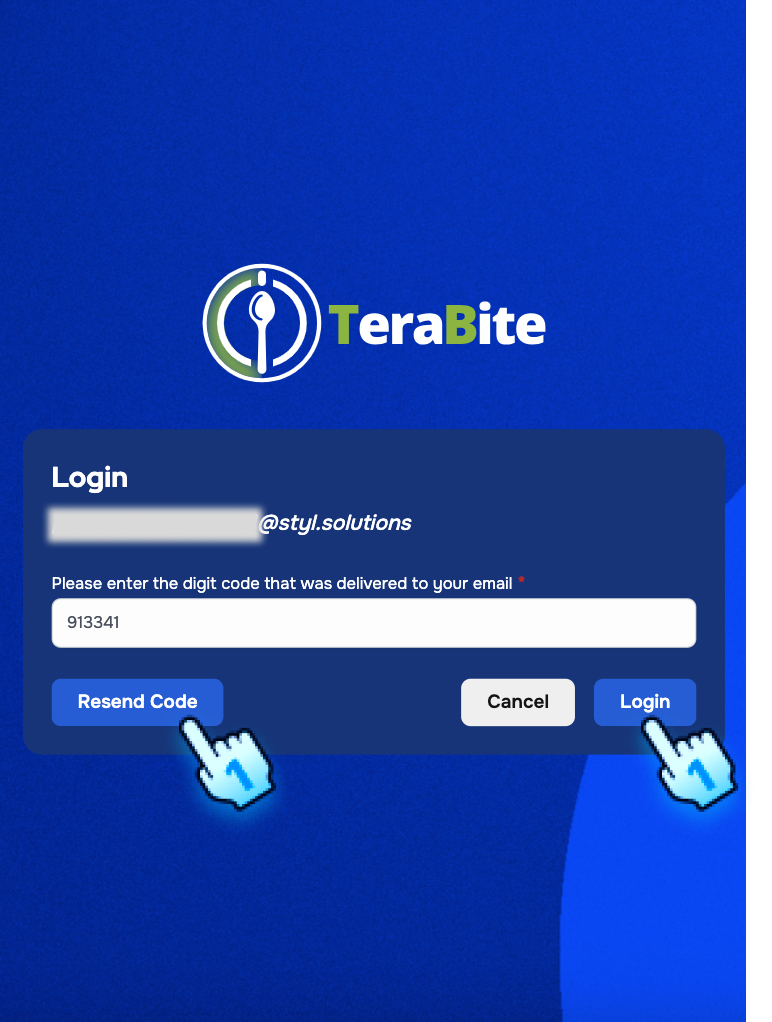
- Enter OTP code if prompted.
- Tap "Login" to proceed to the dashboard.
Dashboard behavior in Family Concept
- Review Family Summary widget
- Dashboard includes a Family Summary widget with a direct button to open the Family Page.
- Standalone account behavior
- If account has no familyCode, Family Summary and Family Page show empty state.
- Family Wallet top-up actions are disabled for standalone accounts.
- Updated top navigation
- Navigation bar shows avatar, user name, and notification badge with numeric count.
Password recovery
- Initiate password reset
- Tap "Forgot Password?" from login page.
- Enter registered email and submit.

- Complete reset
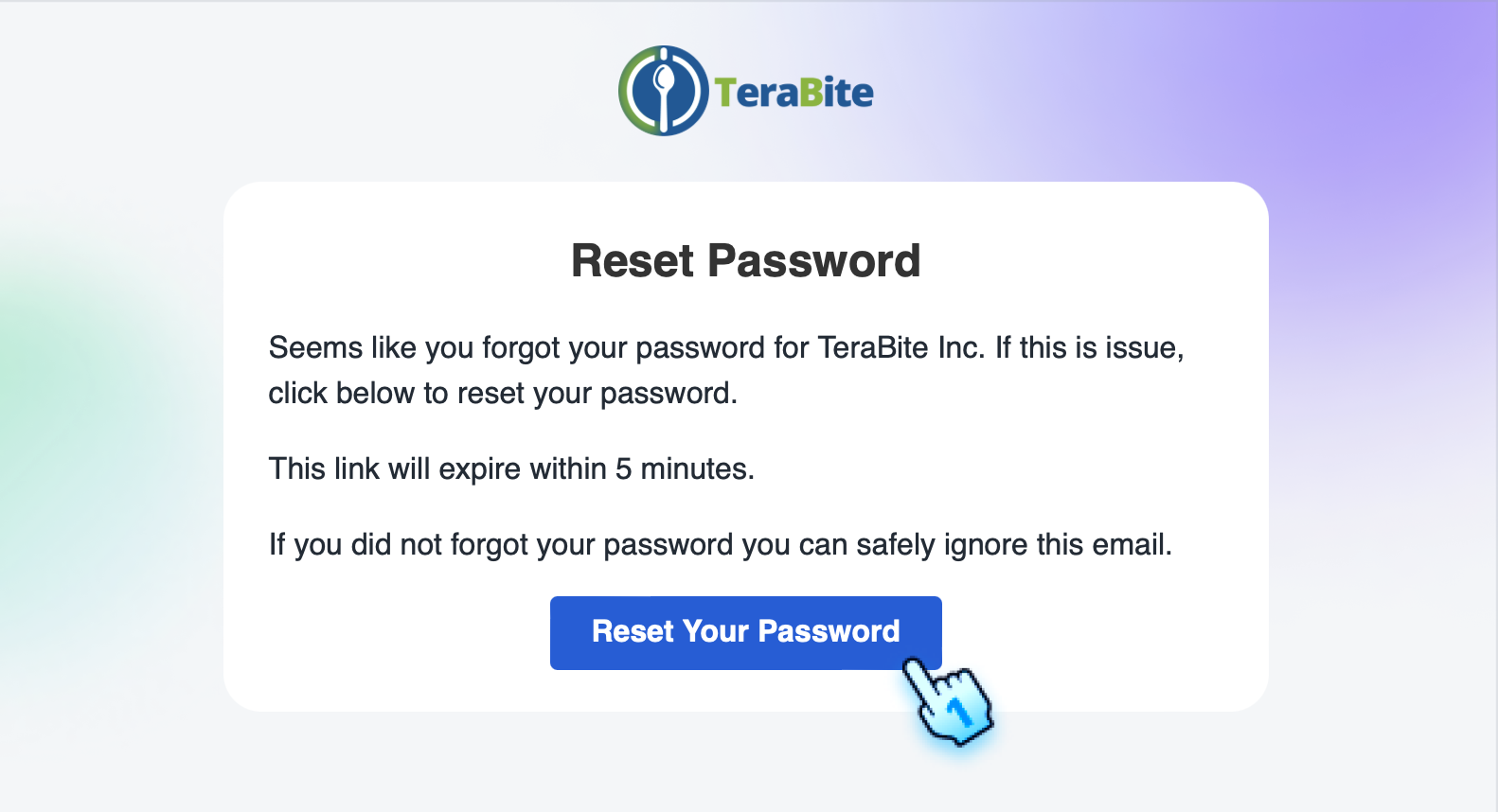
- Open password reset email.
- Enter and confirm new password, then return to login.


Conclusion
The Start Up section helps users sign in and understand the Family Concept dashboard, including Family Summary visibility, standalone behavior, and updated profile navigation.